


Note
Active Development Notice: This engine and game are under active development. Some information in this README may be outdated as features are continuously being added, refactored, and improved. Check the latest commits and implementation plans for the most current state.
Chained Decos is a 3D parkour game built from the ground up using Chained Engine, a custom modular C++23 game engine. It features advanced physics, an ECS-driven architecture, native C++ scripting, and integrated development tools.

Chained Engine follows a modern, modular design inspired by professional game engines:
- Entity Component System (ECS): Powered by EnTT for high-performance entity management.
- Native C++ Scripting: Custom scripting DSL for gameplay logic with hot-reloading support.
- Virtual File System: Unified asset access with support for engine-relative paths and project-relative assets.(Planned)
- Advanced Physics: BVH-accelerated collision detection with robust world-to-local coordinate transformations.
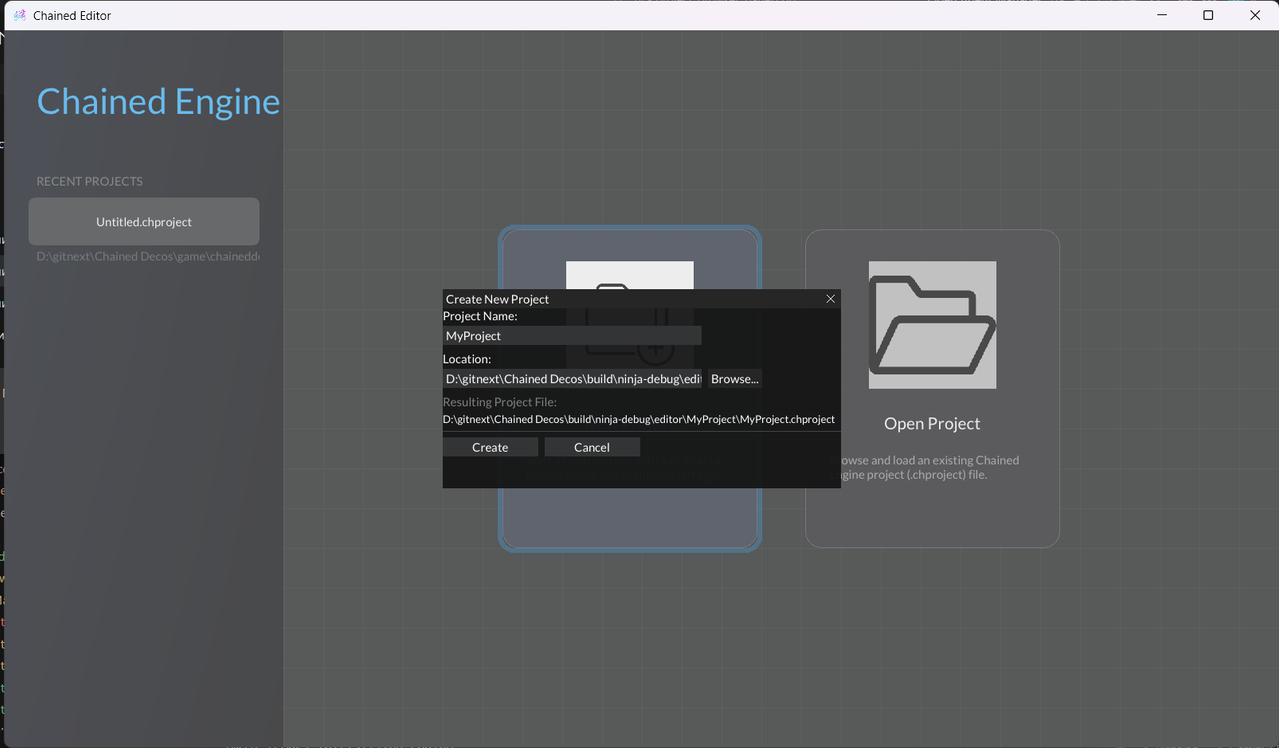
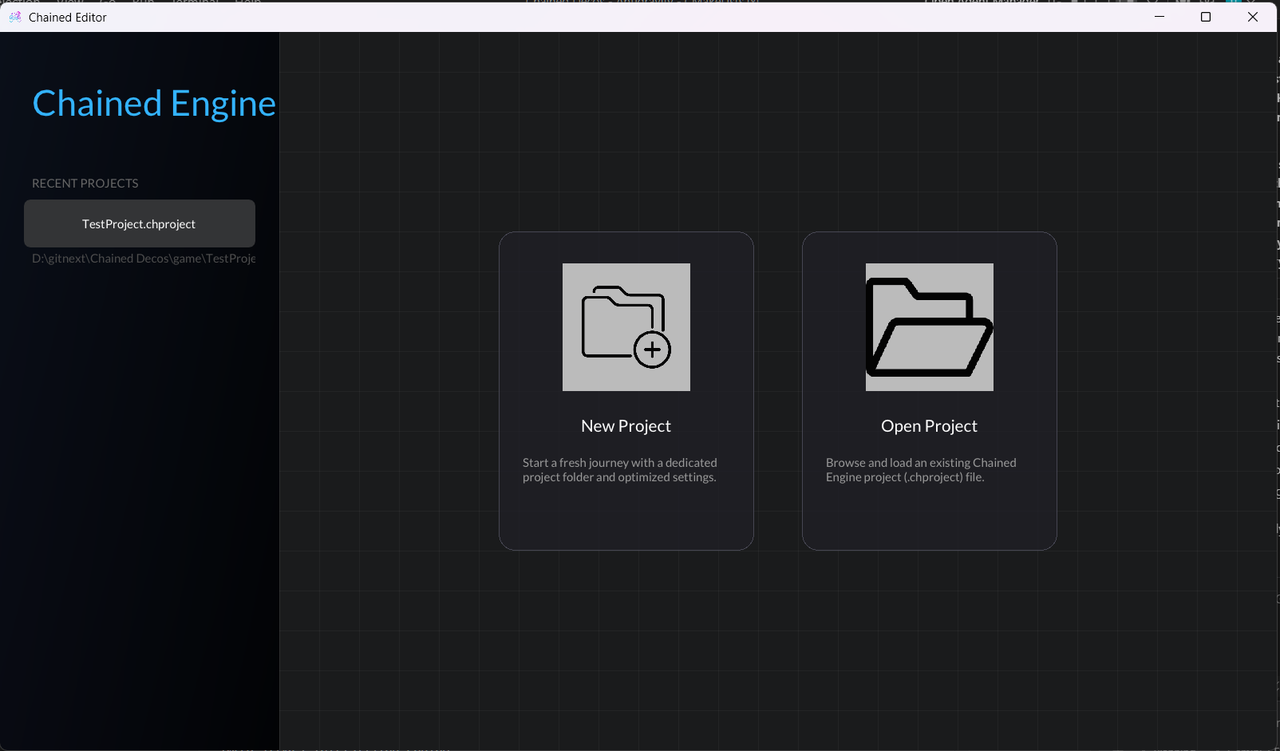
- Project Hub: Integrated project browser with recent project tracking and intelligent path resolution.
- Cross-Platform Core: Designed for portability; current support for Windows and Linux, with an architecture that allows for easy integration of new platforms.
The Chained Editor provides a high-fidelity environment for creating and testing parkour courses.
Important
Simulation Mode Controls:
- Capture: When you press PLAY, the editor captures the cursor for game control.
- ESCAPE: No longer exits the app! Press ESCAPE during play to return to editor control.
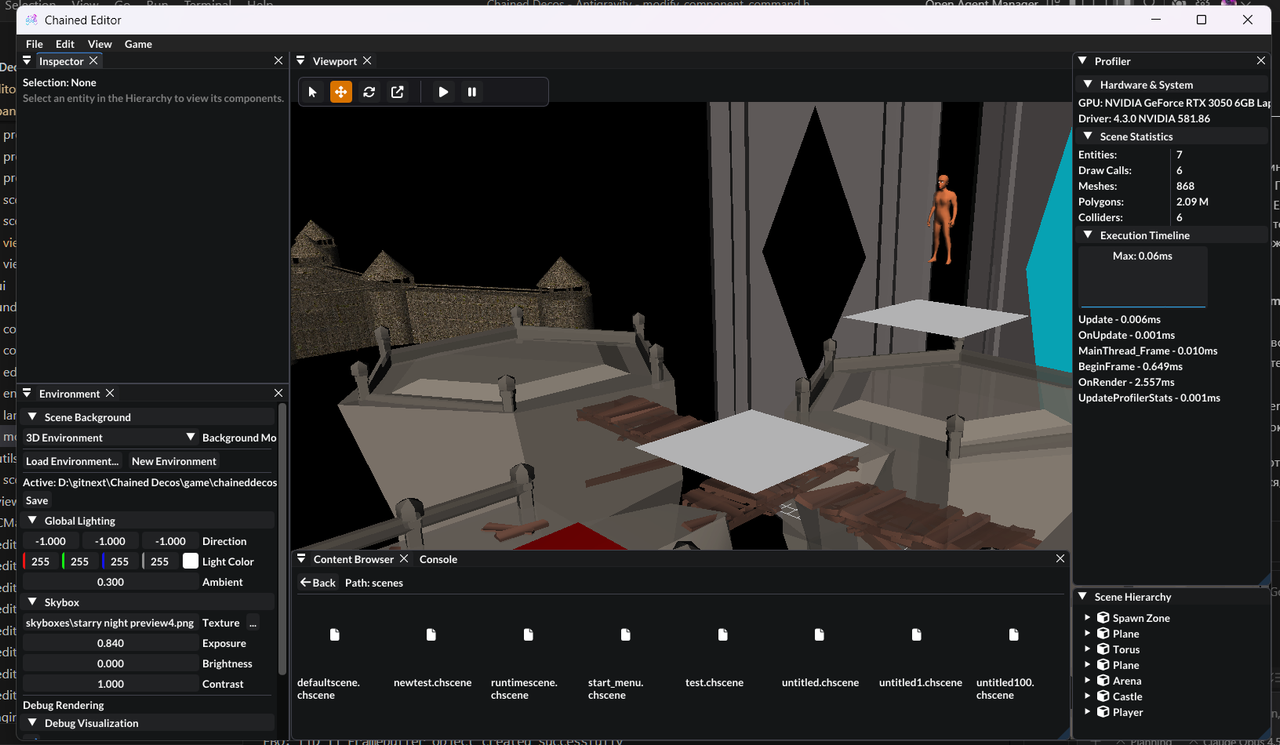
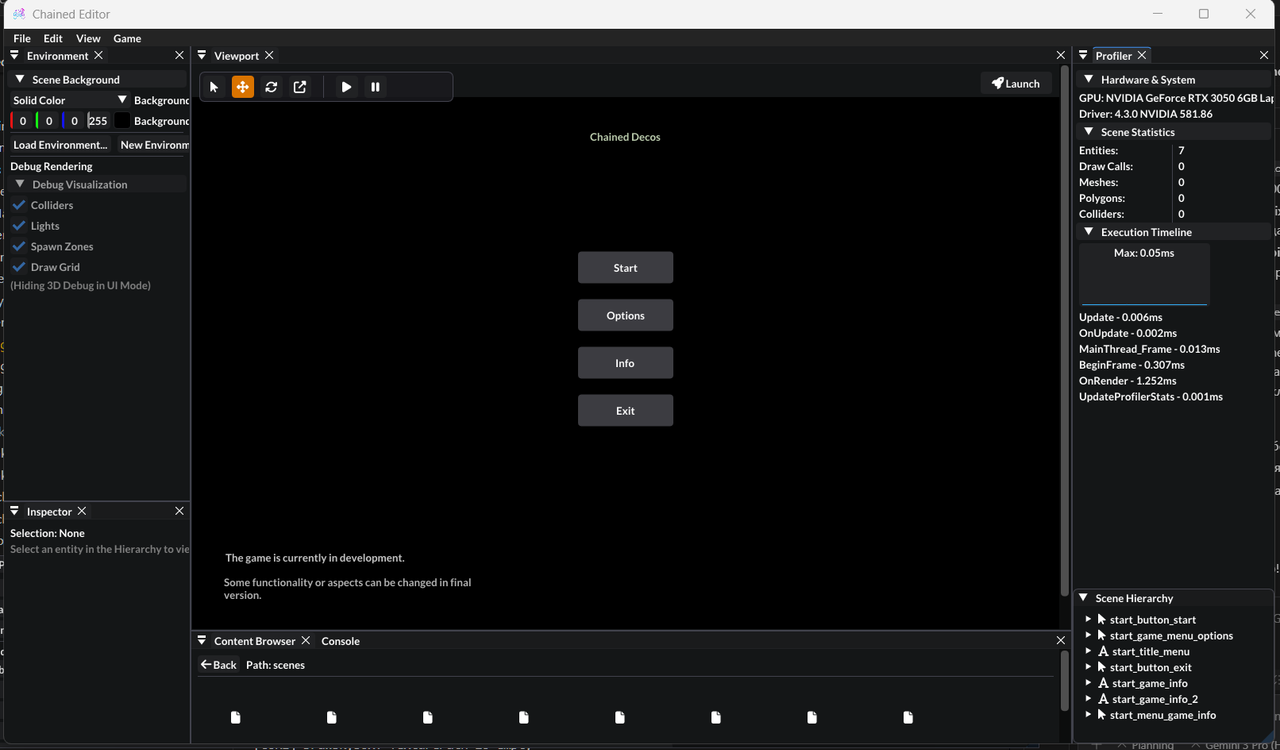
GUI Development is currently in progress and may be unstable. It is recommended to use the ChainedEditor for GUI development.
Warning
Standalone Runtime: The ChainedRuntime acts as a specialized wrapper for your games. It is designed to load and execute your custom projects directly. While it now supports Linux and Windows, it is still under active development.
- High-Performance Rendering: Optimized Raylib-based renderer with custom shader support and PBR materials.
- Native C++ Scripting: Type-safe gameplay scripts with DSL macros for clean, maintainable code.
- Advanced Physics & Diagnostics: BVH-accelerated collision detection with real-time logging for collider state.
- Project Hub: Split-view launcher with "Recent Projects" and intelligent project folder creation.
- Undo/Redo System: Full command history for editor operations (Add/Delete/Move/Transform).
- Scene Serialization: YAML-based format with UUID tracking and hierarchy preservation.
- Deduplicated Loading: Optimized asset pipeline that prevents redundant asset tasks and improves load times.
| Tool | Version | Notes |
|---|---|---|
| CMake | 3.25+ | Required for build configuration. |
| Ninja | Latest | Highly recommended for fast, parallel builds. |
| Compiler | C++23 | Clang 18+, GCC 14+, or MSVC 2022 (17.6+). |
| Vulkan/GL | - | OpenGL 4.3+ compatible drivers. |
On Ubuntu/Debian, install the required development libraries:
sudo apt-get update
sudo apt-get install -y build-essential cmake ninja-build \
    libgl1-mesa-dev libx11-dev libxrandr-dev libxinerama-dev \
    libxcursor-dev libxi-dev libasound2-dev libglu1-mesa-dev \
pkg-configThe project uses CMake Presets to simplify cross-platform configuration.
Choose a preset based on your OS and preferred compiler:
| OS | Compiler | Build Type | Preset Name |
|---|---|---|---|
| Linux | Clang | Release | linux-clang-release |
| Linux | Clang | Debug | linux-clang-debug |
| Linux | GCC | Release | linux-gcc-release |
| Linux | GCC | Debug | linux-gcc-debug |
| Windows | MSVC | Logic | windows-vs2022 |
| Windows | Ninja | Release | windows-ninja-release |
# Example: Configure for Linux using Clang 19
cmake --preset linux-clang-release
Caution
Switching Presets: When switching between different presets (e.g., from windows-ninja-debug to windows-vs2022), you must delete the CMakeCache.txt in the corresponding build directory. CMake caches compiler and generator settings that can conflict when switching presets.
# Delete cache before switching presets
rm -rf build/<old-preset>/CMakeCache.txt
# Or delete the entire build directory for a clean slate
rm -rf build/<old-preset>Compile all targets (Editor, Runtime, Tests) using a build preset:
# Example: Build the release version
cmake --build --preset linux-clang-release -j $(nproc)Binaries are located in build/<preset-name>/bin/.
The Chained Editor is the primary tool for course creation and live simulation.
# Linux
./build/linux-clang-release/bin/ChainedEditor

# Windows
.\build\windows-ninja-release\bin\ChainedEditor.exeThe Chained Runtime is a lightweight wrapper that loads and runs your own projects/games without the editor's UI overhead. By passing your project file as an argument, you can test the final "player experience" of your game.
# Linux
./build/linux-clang-release/bin/ChainedRuntime path/to/your.chproject

# Windows
.\build\windows-ninja-release\bin\ChainedRuntime.exe path\to\your.chprojectWe use Google Test for engine and scene validation.
After building, you can run the test suite:
# Run all tests via CTest
ctest --preset linux-clang-release

# Or run individual test binaries
./build/linux-clang-release/bin/tests/EngineTestsContributions are welcome! As a project in active development, especially regarding the newly added Linux support, you may encounter bugs or platform-specific issues.
- Bug Reports: Open an issue describing the problem.
- Pull Requests: We highly encourage you to help maintain and improve the engine by creating branches and submitting Pull Requests.
- Platform Support: If you are a Linux developer, your expertise in refining the build process and runtime compatibility is greatly appreciated.
This project is licensed under the MIT License.
Made with using Raylib, ImGui, and Chained Engine (Modern C++23).